Mastering Your Kindle: Essential Tips from a Decade of E-Reading
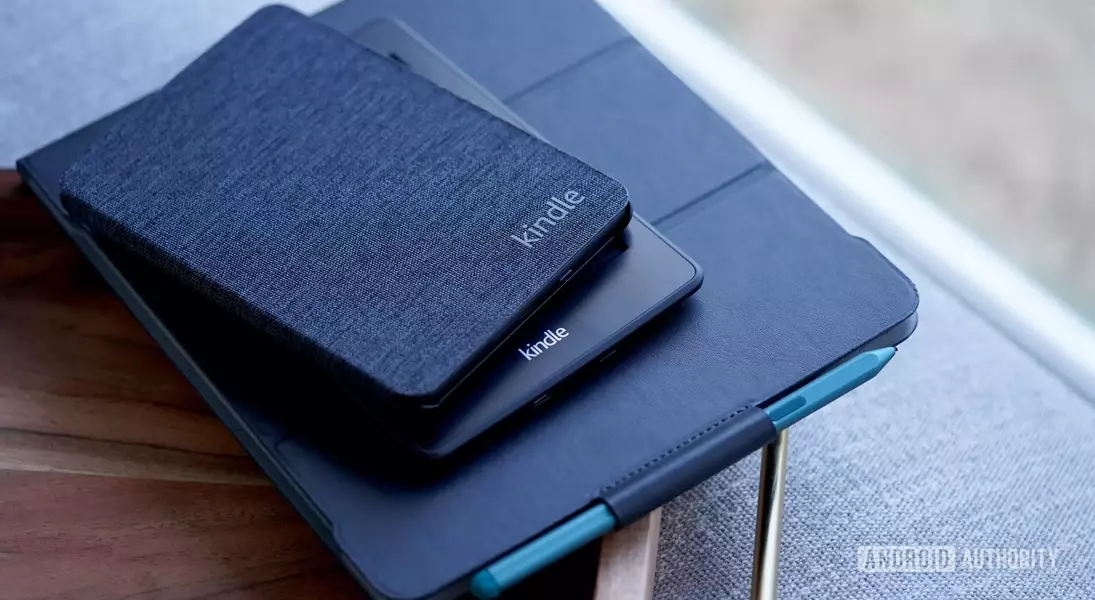
Optimizing your Kindle for a personalized and efficient reading experience is crucial for any e-reader enthusiast. After years of dedicated use, I've gathered essential strategies that transform a standard Kindle into a highly customized reading device, making every page turn a pleasure.
A significant aspect of enhancing your Kindle experience involves tailoring the display and tracking your reading progress effectively. Unlike traditional books, Kindle offers unparalleled flexibility in customizing text—from choosing your preferred font style and size, even sideloading custom fonts, to instantly adjusting text size with a pinch. Furthermore, creating and saving custom themes for different reading scenarios, like winding down for the night or during a commute, allows for seamless transitions. Beyond aesthetics, the Kindle provides robust tools for tracking your progress. You can switch between viewing your location, estimated time left in a chapter, or the entire book, and even activate a clock display to stay aware of the time. For those who like to revisit sections without losing their current spot, the page-flipping feature is indispensable, offering a quick way to navigate through chapters and return effortlessly to where you left off.
Personalization extends to how your Kindle looks when not in use, and its built-in tools can boost your learning. You can choose to display the cover of your current read on the lock screen, mirroring the tactile feel of a physical book, or opt for a blank screen for a minimalist look. Additionally, the Kindle is an excellent tool for vocabulary expansion. Every word you look up is automatically saved to a 'Vocabulary Builder' list, which you can revisit for review or practice with flashcards, making learning new words an integrated part of your reading habit. Finally, for those moments when a specific passage or image needs to be saved, taking a screenshot is as simple as tapping two opposite corners of the screen. Incorporating these practical tips and leveraging features like turning off Wi-Fi to conserve battery life and accessing free eBooks from local libraries through apps like Libby will undoubtedly elevate your overall Kindle reading journey.
Embracing these functionalities allows readers to forge a deeper, more personal connection with their digital library. By actively shaping their reading environment and maximizing the Kindle's diverse capabilities, users can foster a more engaging and enriching literary adventure, proving that technology, when thoughtfully applied, can profoundly enhance the timeless joy of reading.